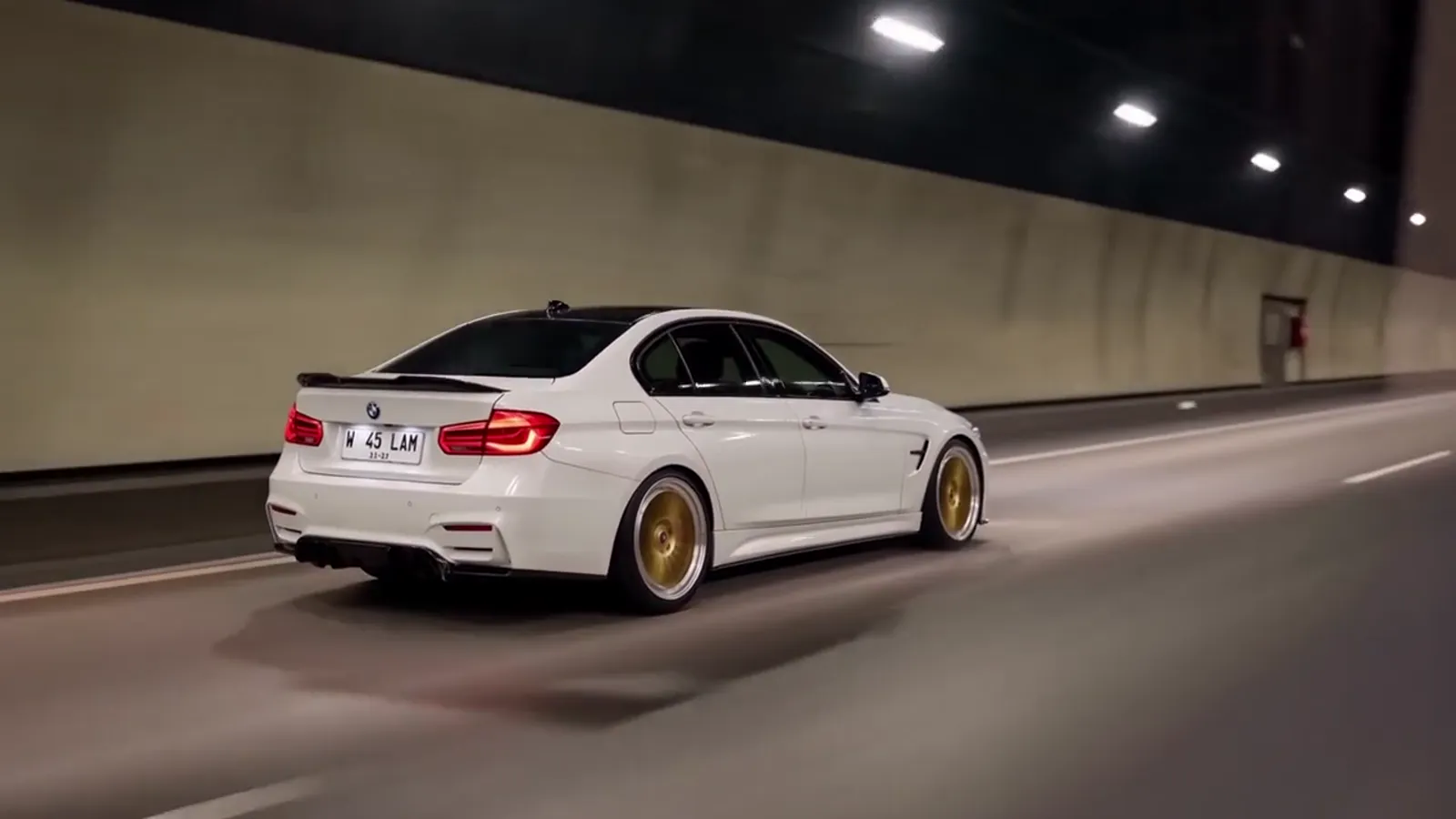
To make the toy car to real car ai video, upload one clear photo of a car to Toy Car to Real Car AI, pick a scene and a format, and generate. There is no prompt to write and nothing to edit. Open the generator.
Four steps on this site
1. Pick a clear car photo
Show the whole car from the side or a three-quarter angle. It can be your own car, a dealer photo or a die-cast model.
2. Choose the scene and the format
Pick one of 6 scenes. Choose 9:16 for Reels, TikTok and Shorts, 1:1 for a feed post, or 16:9 to match the original clip.
3. Generate
The clip is 14 seconds long. A Standard 720p render costs 10 credits, and a failed render returns them.
4. Download and post
The MP4 comes with the trend soundtrack already on it and no watermark. Upload it as it is.
Why not do it by hand?
Doing it by hand means generating two stills, one of a scale model on a window ledge and one of the real car on a road, to use as the first and last frame. Then you find a motion reference, write a long prompt and rerun the video model several times until the car stays the same car. It takes time and several paid tries, and with no guarantee of the same car after the swap. That is why we built the beats into the Toy Car to Real Car AI scenes.
| Toy Car to Real Car AI | By hand | |
|---|---|---|
| What you supply | One car photo | Two stills, a reference, a prompt |
| Prompt writing | None | Long, tuned by trial |
| Reruns | One render, plus a re-render if you want another take | Several paid attempts |
| Typical failures | Timing and car match handled in the scene | Toy stays a toy, a different car appears, the landscape leaks |
| Sound | Trend soundtrack in the MP4 | Added separately |
Photo tips that change the result
- Show the whole car, with the wheels and both ends visible.
- Use daylight, sharp focus and no heavy filters.
- Keep other cars out of the front of the shot, so the AI does not pick them up.
- Expect badges and plates to be redrawn. Plates have no readable text, and a badge can look like a real brand's.
- Very unusual or modified cars drift more. Pro or Ultra, or a re-render, helps.
Posting it
The MP4 already has the trend soundtrack, so you can post it directly. If you prefer another sound, mute it in the app and choose one there. Use 9:16 for Reels, TikTok and Shorts, and 16:9 for YouTube. Most platforms ask you to label AI-generated video, so switch that label on. See the trend page for what the clip is based on.