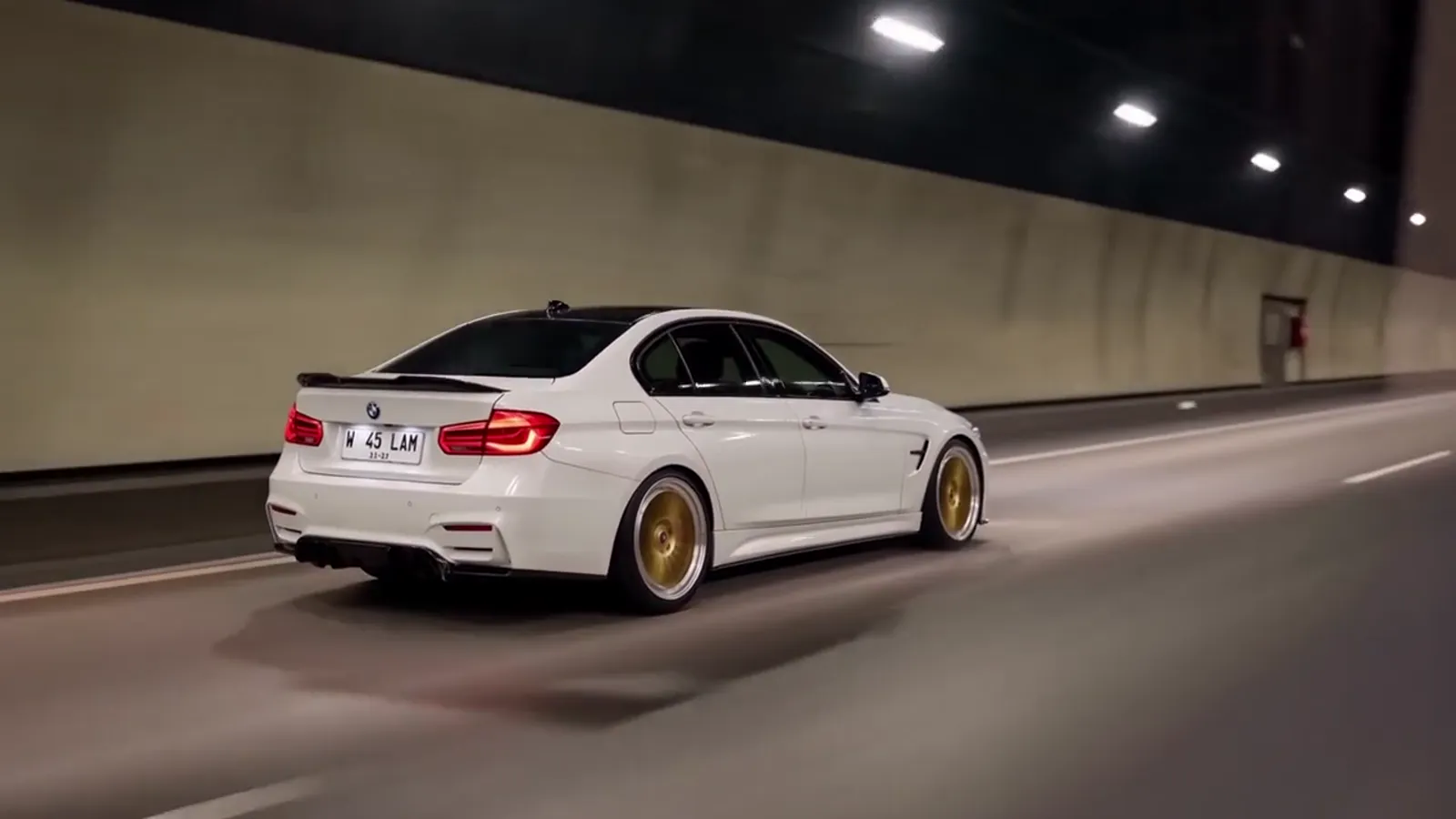
The toy car to real car transition
The toy car to real car transition is a tunnel match-cut: a scale model of a car on a train window ledge becomes the full-size car at about 5 seconds. It is the part of the trend people replay, and the part that goes wrong most often when it is made by hand. Make it with your own car.
What the transition is made of
Three things carry the swap, and the trend works only when all three are present.
- The cue. The train enters a tunnel and the carriage goes dark. The model's tail lights glow red in the window reflection, between about 2.5 and 4.5 seconds.
- The match. The camera holds still while the ledge and the tunnel road line up into one frame. That alignment is why the cut feels like a transformation rather than a jump.
- The payoff. The car on screen is now full size and drives on asphalt, continuing the same movement the model was making on the ledge.
The beat sheet around it
The transition is one of six beats in the 14-second clip. Here is where it sits.
| Time | Beat |
|---|---|
| 0.0–2.5s | The model on the ledge. A scale model of the car sits on a train window ledge, seen from behind and to the side, while the landscape slides past. |
| 2.5–4.5s | Into the tunnel. The train enters a tunnel and the carriage goes dark. The model’s tail lights glow red in the window reflection. |
| 4.5–5.5s | The swap. The ledge and the tunnel road line up into one shot, and the model is now the full-size car driving on asphalt. |
| 5.5–9.0s | Tunnel run. A tracking shot from behind and to the side as the real car drives through the lit tunnel. |
| 9.0–11.0s | Night highway. Out onto a night highway under street lamps, with a quick head-on close-up of the headlights. |
| 11.0–14.0s | Wheel pass and away. A low side shot along the wheel, then the car pulls away with its tail lights fading down the road. |
Why the transition is hard to get right
The video model has to draw two versions of the same car and join them. If the car changes colour, wheels or roofline across the cut, the viewer sees two cars instead of one. If the swap arrives early, the tunnel is not yet dark and the glow means nothing. If it arrives late, the highway is cut short. Toy Car to Real Car AI holds the timing fixed across all 6 scenes, so the swap always sits in the same place and only the landscape around it changes.
What viewers notice
People rarely judge the swap on sharpness. They judge it on continuity: does the car keep its colour, does the tail-light glow carry across the cut, and does the road feel like the next second of the same trip. A clean transition keeps the camera low and steady, lets the tunnel lights streak past, and does not rush the swap. That is why the clip is only 14 seconds long but spends its first five on the setup.
Using it with your own car
Add one photo of the car, from the side or a three-quarter angle, in daylight. Pick a scene and generate. The model is Seedance 2.0 / 2.5 by ByteDance, and the file is an MP4 with the trend soundtrack. The two shots are one render, which is why the toy and the real car match.
The honest limits: badges and plates are redrawn, wheel spokes can drift, and very unusual cars drift more. If the car changes across the cut, a re-render, or Pro or Ultra, tends to hold it better. For the full timeline of the trend, see the trend explained, and for the reason prompts from tutorials rarely reproduce the swap, read the prompt page.
If you are choosing a scene, the original forest line is the closest to the clip people share, and the scenes page shows the other five. Wondering whether an app can do it live? See the filter answer.