Toy Car to Real Car AI Scenes Pick the scene Same trend beats, six different windows and night roads. Pick the one that suits your car.
Updated Oct 27, 2026 · By the Toy Car to Real Car AI team
Platform one
Make your toy car to real car ai video Three choices and one tap. The shot list, the timing and the prompt are already built.
× Get credits to make your video ✓ No subscription needed: pay once, pack credits never expire.
once
Pay once, no subscription. Credits never expire.
Buy one video
Secure checkout by Waffo · Packs are one-time and never expire · Plans renew until cancelled, cancel anytime from your account
See every pack and plan
Monthly Yearly up to 38% off
Most popular Basic
100 credits / month · ≈ 10 videos
$29.90/mo
≈ $2.99 / video
Subscribe No watermark Fresh credits every month Unused credits roll over Cancel anytime Basic Save 17%
1200 credits / year · ≈ 120 videos
$24.92/mo
≈ $2.49 / video
Billed $299 yearly
Subscribe No watermark All year's credits up front Credits never expire Cancel anytime Pro Save 17%
200 credits / month · ≈ 20 videos
$49.90/mo
≈ $2.50 / video
Subscribe No watermark Fresh credits every month Unused credits roll over Cancel anytime Pro Save 30%
2400 credits / year · ≈ 240 videos
$41.58/mo
≈ $2.08 / video
Billed $499 yearly
Subscribe No watermark All year's credits up front Credits never expire Cancel anytime Best value Studio Save 26%
450 credits / month · ≈ 45 videos
$99.90/mo
≈ $2.22 / video
Subscribe No watermark Fresh credits every month Unused credits roll over Cancel anytime Studio Save 38%
5400 credits / year · ≈ 540 videos
$83.25/mo
≈ $1.85 / video
Billed $999 yearly
Subscribe No watermark All year's credits up front Credits never expire Cancel anytime Or buy credits once Basic: 10 videos a month for $29.90. The Crew Pack is 25 videos for $99, once.
Single
10 credits · ≈ 1 video
$6.99
≈ $6.99 / video
Choose No watermark Download and post anywhere Credits never expire Failed renders are free Duo Pack Save 17%
50 credits · ≈ 5 videos
$29
≈ $5.80 / video
Choose No watermark Download and post anywhere Credits never expire Failed renders are free Crew Pack Save 43%
250 credits · ≈ 25 videos
$99
≈ $3.96 / video
Get the Crew Pack No watermark Download and post anywhere Credits never expire Failed renders are free Studio Pack Save 53%
600 credits · ≈ 60 videos
$199
≈ $3.32 / video
Choose No watermark Download and post anywhere Credits never expire Failed renders are free Label Pack Save 60%
1800 credits · ≈ 180 videos
$499
≈ $2.77 / video
Choose No watermark Download and post anywhere Credits never expire Failed renders are free
Toy Car to Real Car AI has 6 scenes, and each pairs a subject with a scene that suits it. Choose by the look you want in the generator .
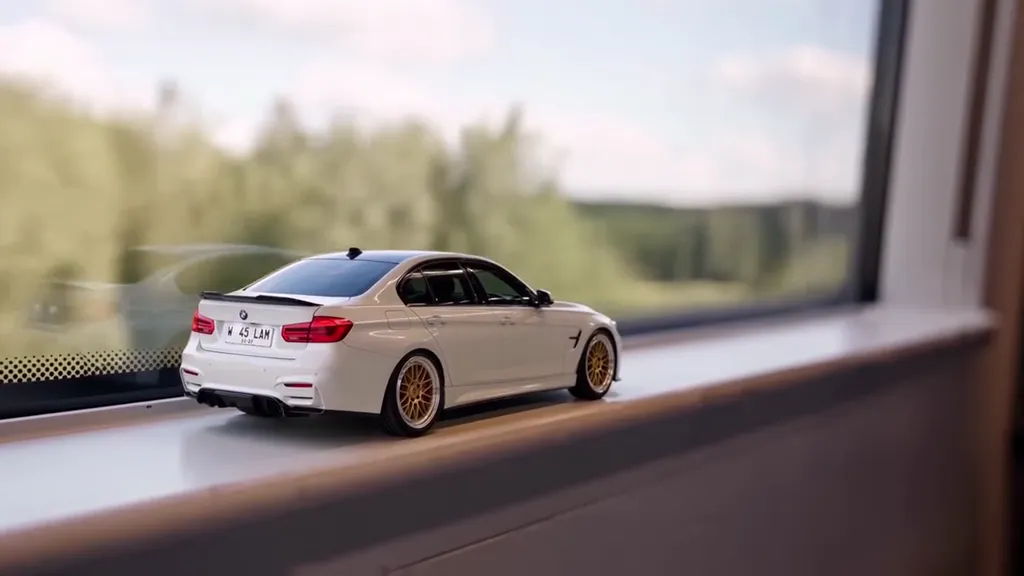
Forest Line to Night Highway The original: pine forest, a tunnel, a lit night highway. Scene: a passenger train rolling past a pine forest under a soft overcast sky, a long concrete road tunnel with ceiling lights, then an elevated highway at night lined with tall street lamps.
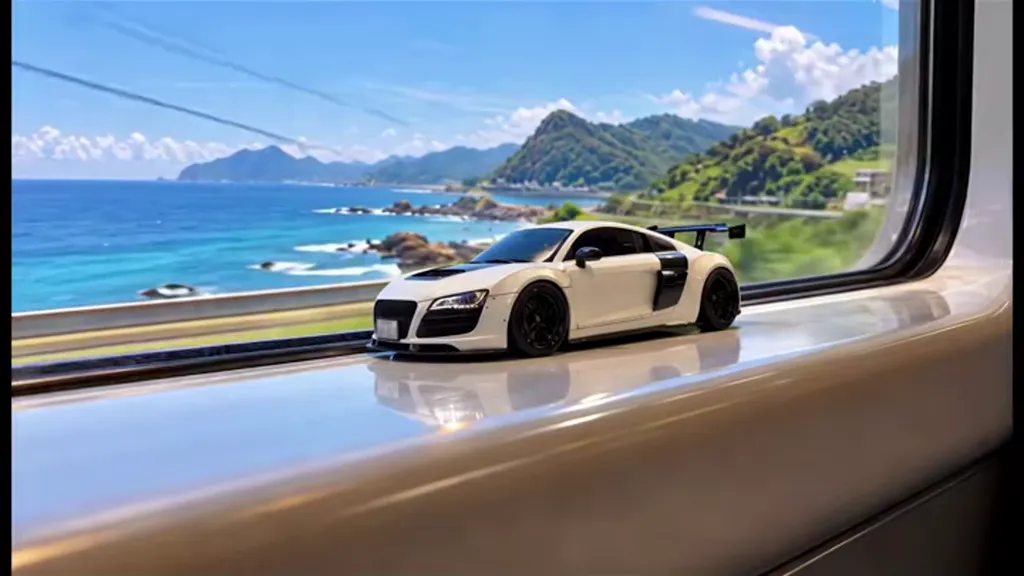
Coastal Line Blue sea outside the window, a tunnel, a night coast road. Scene: a train running along a sunny coastline with blue sea and green headlands outside the window, a short dark tunnel, then a coastal expressway at night with sodium street lamps.
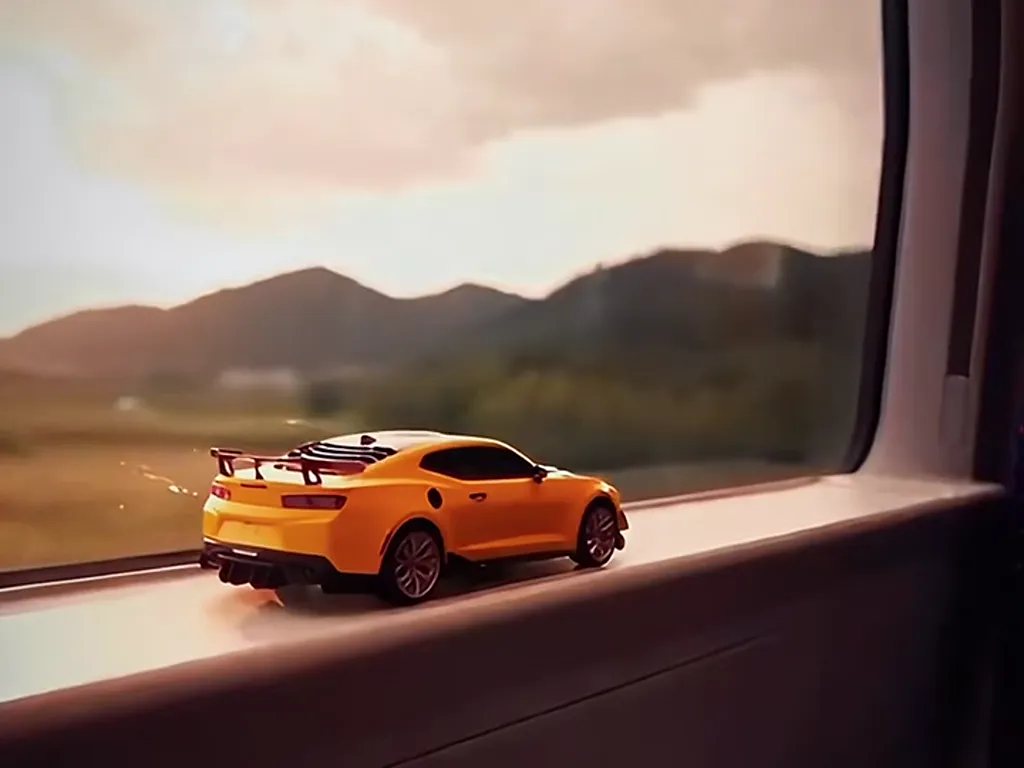
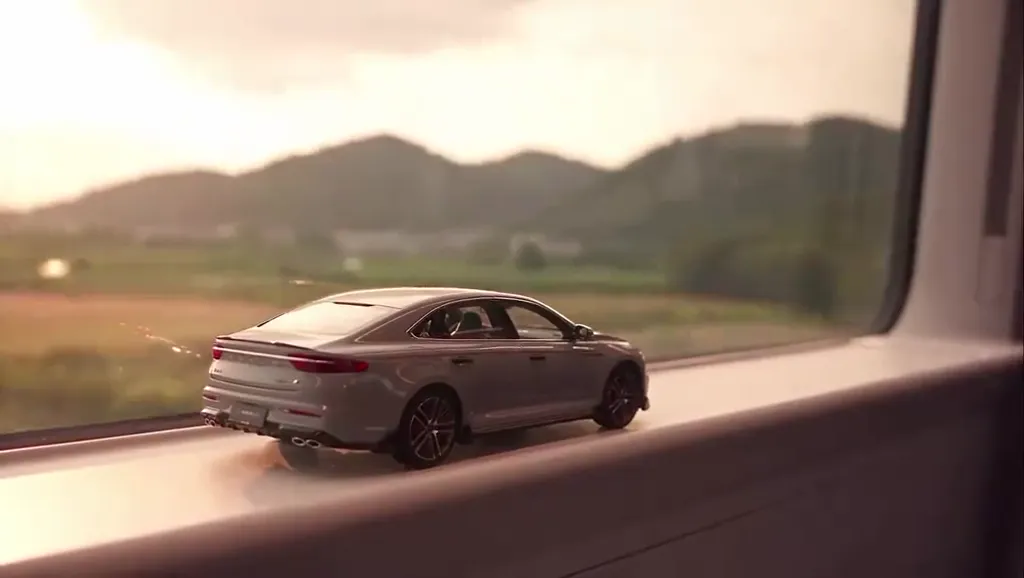
Golden Hour to Parking Deck Sunset hills, a tunnel, a floodlit parking deck walkaround. Scene: a train crossing hills at golden hour with warm orange light through the window, a dark tunnel, then a floodlit open-air parking deck at night where the car pulls in and the camera circles it.
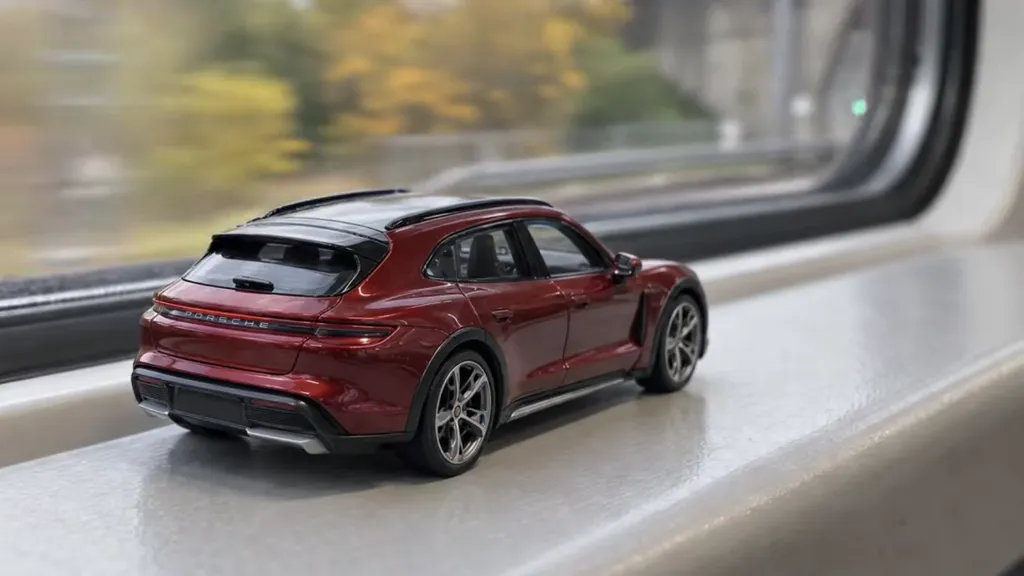
Autumn Line to City Tunnel Autumn trees, an overpass, a bright city tunnel. Scene: a train passing autumn trees in yellow and orange under a grey sky, a concrete overpass and a tunnel mouth, then a brightly lit multi-lane city tunnel with white wall panels.
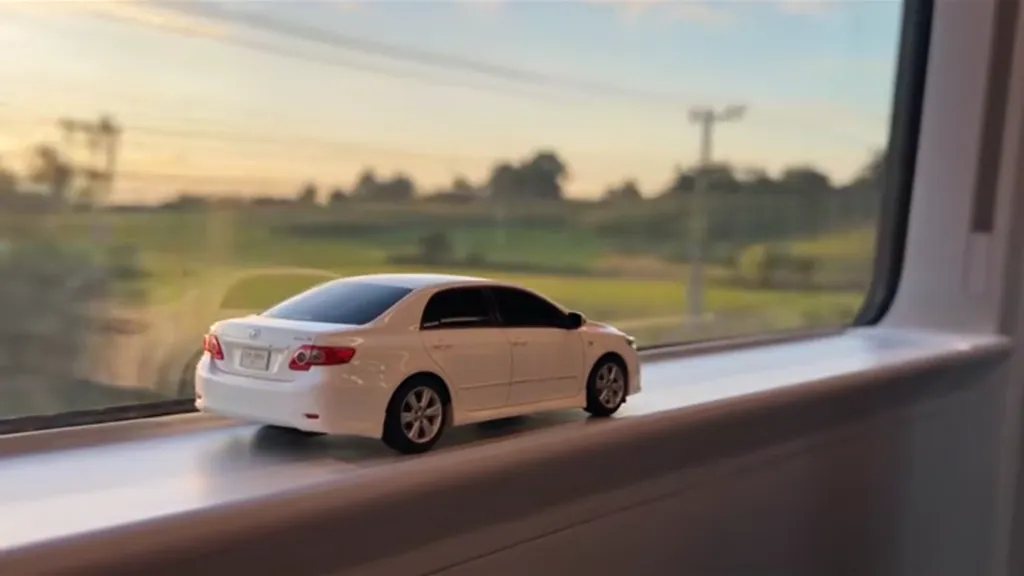
Sunset Fields Golden farmland, a tunnel, a dusk expressway. Scene: a train passing flat farmland and power lines in low golden evening sun, a tunnel, then a wide expressway at dusk with a pale blue sky and the first street lamps on.
City Light Trails Hills at dusk, a tunnel, a night bridge with light trails. Scene: a train passing green hills at dusk, a long tunnel, then a city bridge at night with skyline lights and long red and white light trails from passing traffic.
Passenger questions
FAQ How do I choose between the six toy car to real car scenes? Choose by your car's colour and what you want the ending to show. Toy Car to Real Car AI gives all six scenes the same 14-second beats, so only the landscape and the night road change. Bright cars suit dark endings, dark cars suit the dusk and daylight scenes.
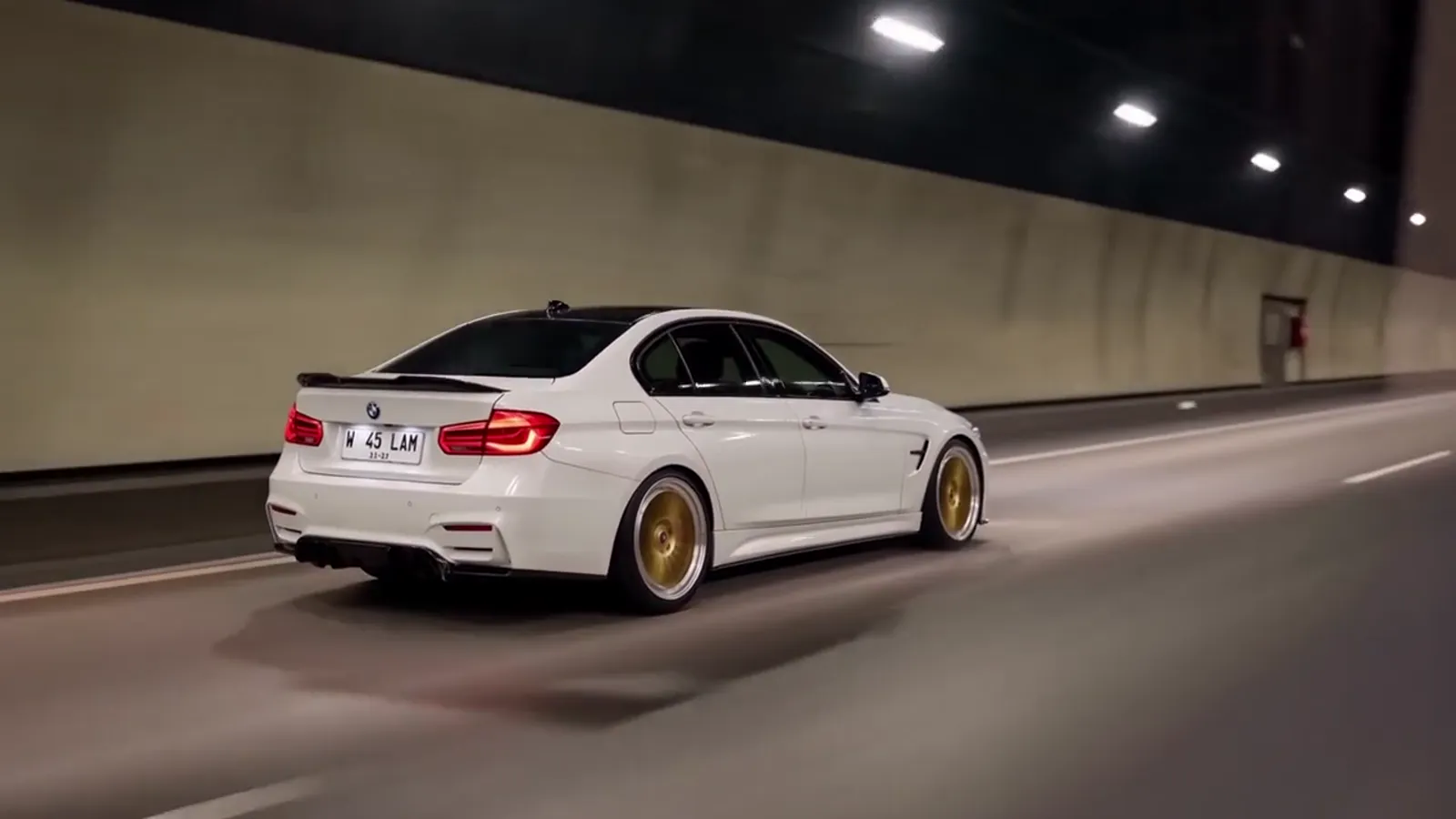
Does the scene change the toy car to real car transition itself? No. In every Toy Car to Real Car AI scene the tail lights glow as the train enters the tunnel and the model becomes the real car at about 5 seconds. What differs is the window view before it and the road after it, so the transition you see in the trend looks the same in all six.
Can I try several toy car to real car scenes with one photo? Yes. The same car photo can be used for any of the 6 scenes, and each render costs credits on its own. A common way to start is one Standard 720p render of your favourite scene, then a second scene or a Pro render if you want to compare how your car holds up.
Your video is one photo away Upload a photo, pick the scene, generate.
Make my video