Toy Car to Real Car AI
EN
Make my video

Your video is one step away

Sign-in is free and needs no card. We never publish your photo.

By continuing you agree to the terms and privacy policy.

Toy Car to Real Car AI

Toy Car to Real Car AI Filter

The short answer, app by app.

Updated Oct 27, 2026 · Independent tool. Not affiliated with, endorsed by or sponsored by any car maker, toy brand, rail operator or AI app.

Platform one

Make your toy car to real car ai video

Three choices and one tap. The shot list, the timing and the prompt are already built.

01 Add a photo of the car

The whole car in view, side or three-quarter angle, in daylight. JPG, PNG or WebP, up to 10 MB.

02 Pick the scene

03 Model, quality and format

Standard · 720p · 9:16Change model, resolution or format 10 credits

Model

Resolution

Format

By generating, you confirm the photo shows you or people who gave permission, all 18 or older, and no celebrities or public figures. Terms · Privacy

Get credits to make your video

✓ No subscription needed: pay once, pack credits never expire.

/mo

once

Pay once, no subscription. Credits never expire.

once

Secure checkout by Waffo · Packs are one-time and never expire · Plans renew until cancelled, cancel anytime from your account

Is there a toy car to real car ai filter?

As of 27 October 2026 there is no official toy car to real car ai filter on Instagram or TikTok, and CapCut has a template named "Toy Car → Real Car": 11 seconds, 9:16, one clip, an edit for a clip you already have. It does not turn a photo of your car into a toy model and a real car. Toy Car to Real Car AI instead builds a new video of your own car from one photo. Open the generator.

App by app

AppFilter or template?What you get
TikTokNo official filter foundClips and tutorials, no effect to open on your camera
InstagramNo filter foundReels of the same clip, not an effect for your camera
CapCutA template named "Toy Car → Real Car" (11 s, 9:16, one clip, about 300 uses); no official filterAn edit for a clip you already have. It does not turn a photo of your car into a toy model and a real car

We checked in-app search and public tutorials on 27 October 2026. A filter added later, or only in one region, could be missed. If you find one named after the trend, it did not come from us.

Why a camera filter cannot do this

A filter changes the live image. This effect stages a whole scene: a model on a train ledge, a dark tunnel, a swap at about 5 seconds, and a road that did not exist in your photo. That takes a video model, so the clips that look like a filter are rendered afterwards.

  • Filter: works on your camera or a clip, and cannot put your car on a train.
  • Template: someone else's finished footage with fixed content.
  • Generator: an AI video model builds a new clip around your car, in your choice of 6 scenes.

The one-tap route

Upload one photo of a car, pick a scene and generate. The model rides the ledge, the tail lights glow and the swap is timed for you, then you download a 14-second MP4 with sound and no watermark. Standard 720p costs 10 credits. Limits: badges and plates are redrawn, and wheel spokes can drift, so a re-render sometimes helps.

Open the generator, read how it works in four steps, or see what the trend is.
On the line

The trend in the wild

Clips from creators who made the effect by hand. Each video belongs to its creator and is shown here with permission and credit.

Three stops

How to do the toy car to real car ai trend

No timeline editing and no prompt writing. The clip is already choreographed, you bring the car.

01

Upload one car photo

A sharp photo of the whole car from the side or a three-quarter angle, in daylight. Your own car, a dealer photo or a die-cast model all work.

02

Pick the scene

Choose one of 6 scenes: forest, coast, golden hour, autumn, fields or city lights outside the train window, each ending on a different night road.

03

Download and post

Get the 14-second MP4 with the trend soundtrack already on it, and post it to Reels, TikTok or Shorts.

Passenger questions

FAQ

Is there a toy car to real car effect in the TikTok or Instagram effects gallery?

As of October 2026 we did not find one. Searching TikTok and Instagram shows clips and tutorials, not an effect you open on your own camera. Toy Car to Real Car AI is a separate web tool: it renders a 14-second toy car to real car video from one car photo, and you upload the MP4 like any other video.

Is there a CapCut template for toy car to real car?

Yes, CapCut has a template named "Toy Car → Real Car", as checked on 27 October 2026: it is 11 seconds, 9:16, takes one clip and has about 300 uses. It is an edit for a clip you already have and does not turn a photo of your car into a toy model and a real car. Toy Car to Real Car AI instead builds a new 14-second video of your own car from one photo, from 10 credits for Standard 720p.

What is the closest thing to a one-tap toy car to real car filter?

A generator: one photo in, finished clip out. Toy Car to Real Car AI is a toy car to real car generator built for that, with 6 scenes, a built-in prompt and the trend soundtrack in the file. It is not a camera filter, and a render takes a few minutes rather than happening live.

Your video is one photo away

Upload a photo, pick the scene, generate.

Make my video
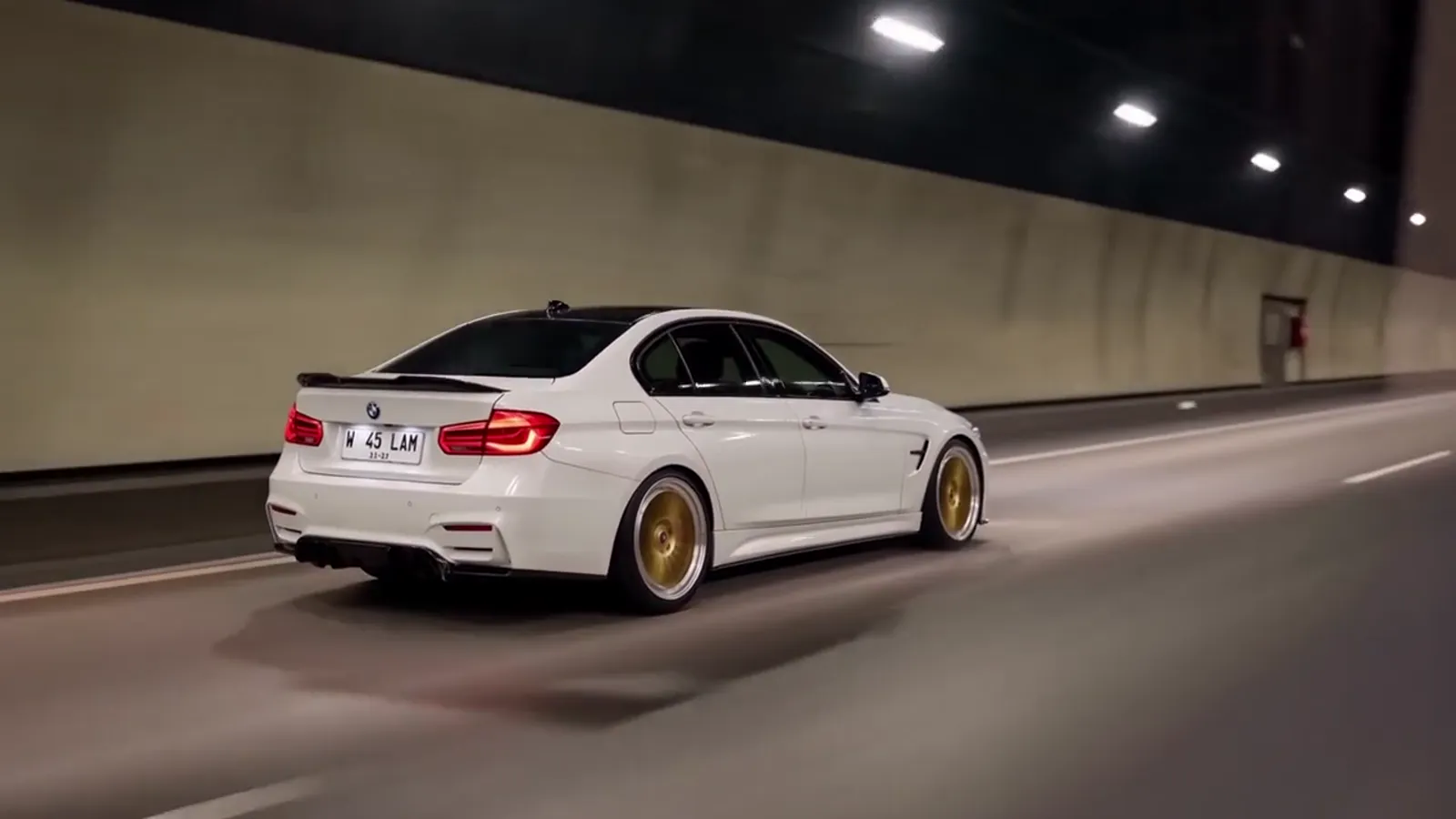
A sports car on a night highway