Toy Car to Real Car AI
EN
Make my video

Your video is one step away

Sign-in is free and needs no card. We never publish your photo.

By continuing you agree to the terms and privacy policy.

Toy Car to Real Car AI

Toy Car to Real Car AI Generator

One car photo in, the finished 14-second video out.

Updated Oct 27, 2026 · Independent tool. Not affiliated with, endorsed by or sponsored by any car maker, toy brand, rail operator or AI app.

Platform one

Make your toy car to real car ai video

Three choices and one tap. The shot list, the timing and the prompt are already built.

01 Add a photo of the car

The whole car in view, side or three-quarter angle, in daylight. JPG, PNG or WebP, up to 10 MB.

02 Pick the scene

03 Model, quality and format

Standard · 720p · 9:16Change model, resolution or format 10 credits

Model

Resolution

Format

By generating, you confirm the photo shows you or people who gave permission, all 18 or older, and no celebrities or public figures. Terms · Privacy

Get credits to make your video

✓ No subscription needed: pay once, pack credits never expire.

/mo

once

Pay once, no subscription. Credits never expire.

once

Secure checkout by Waffo · Packs are one-time and never expire · Plans renew until cancelled, cancel anytime from your account

The toy car to real car AI generator

The toy car to real car AI generator on Toy Car to Real Car AI turns one photo of a car into the 14-second train window video, with sound. You add a photo, choose one of 6 scenes and a format, and download an MP4. Try it with your car.

What the generator does

The trend is a scale model on a train ledge that becomes the real car in a tunnel. The generator builds that whole sequence from your photo: the model on the ledge, the tail-light glow, the swap at about 5 seconds, the tunnel run, the night road and the wheel pass. The beats are fixed and the scenery is yours to choose. It does not edit existing footage, and it does not do face swaps.

What goes in and what comes out

InputOutput
One car photo, whole car in view, side or three-quarter angleOne 14-second MP4 with the trend soundtrack and no watermark
One of 6 scenesA different window view and night road, same beats
Format: 9:16, 1:1, 16:9Ready for Reels, TikTok, Shorts or YouTube
Quality: 480p, 720p or 1080pCredits from 5 to 93 per video

Who it suits

Car owners who want a clip of their own build, dealers and sellers who want a lively post from a listing photo, and anyone who has seen the trend on Reels and wants to try it without learning a video model. Collectors can use a photo of a die-cast model, since the video does not care whether the car in the picture is full size. It is not a way to advertise a vehicle as a real offer, and the result should not suggest that a car maker or dealer endorses it.

Models and cost

The generator runs on Seedance 2.0 / 2.5, the AI video models made by ByteDance. You choose the tier:

  • Standard: Seedance 2.0 Mini
  • Fast: Seedance 2.0 Fast
  • Pro: Seedance 2.0
  • Ultra: Seedance 2.5

A Standard 720p video costs 10 credits, which is the default. Higher tiers and 1080p cost more, and a render that fails returns its credits. There is no free tier. Pro and Ultra hold wheels and details better than Standard, so choose one of them when the car matters.

What it will not do

  • It will not keep a badge exactly. Badges and plates are redrawn, plates have no readable text, and a badge may look like a real brand's.
  • It will not copy wheel spokes frame for frame. They can drift, especially on modified or unusual cars.
  • It does not make other effects. This site is built for one clip.
  • It is independent: it is not made by or connected to any car maker, toy brand, rail operator or AI app.

Where to go next

Not sure which scene fits your car? Compare them on the scenes page. To see how the four steps work, read how to make the video, and for what the clip is, see the trend explained.
Make my video

On the line

The trend in the wild

Clips from creators who made the effect by hand. Each video belongs to its creator and is shown here with permission and credit.

Three stops

How to do the toy car to real car ai trend

No timeline editing and no prompt writing. The clip is already choreographed, you bring the car.

01

Upload one car photo

A sharp photo of the whole car from the side or a three-quarter angle, in daylight. Your own car, a dealer photo or a die-cast model all work.

02

Pick the scene

Choose one of 6 scenes: forest, coast, golden hour, autumn, fields or city lights outside the train window, each ending on a different night road.

03

Download and post

Get the 14-second MP4 with the trend soundtrack already on it, and post it to Reels, TikTok or Shorts.

Passenger questions

FAQ

What does a toy car to real car AI generator need from me?

One photo of a car is all Toy Car to Real Car AI needs: the whole car in view, from the side or a three-quarter angle, in daylight, as a JPG, PNG or WebP up to 10 MB. You then pick one of 6 scenes and a format. There is no prompt, no reference clip to upload and no second image.

Does the toy car to real car AI generator work on my phone?

Yes. Toy Car to Real Car AI is a browser tool, so the toy car to real car AI generator runs on a phone or a computer with nothing to install. You can add a photo from your camera roll, choose a scene and download the 14-second MP4 straight back to the same device.

How is this generator different from an AI video app preset?

A preset inside an AI video app usually asks you for a start image and sometimes an end image, and you choose the settings. Toy Car to Real Car AI is built only for the toy car to real car video: one car photo, six scenes and fixed timing. The trade-off is that it makes this one effect, not general video.

Your video is one photo away

Upload a photo, pick the scene, generate.

Make my video
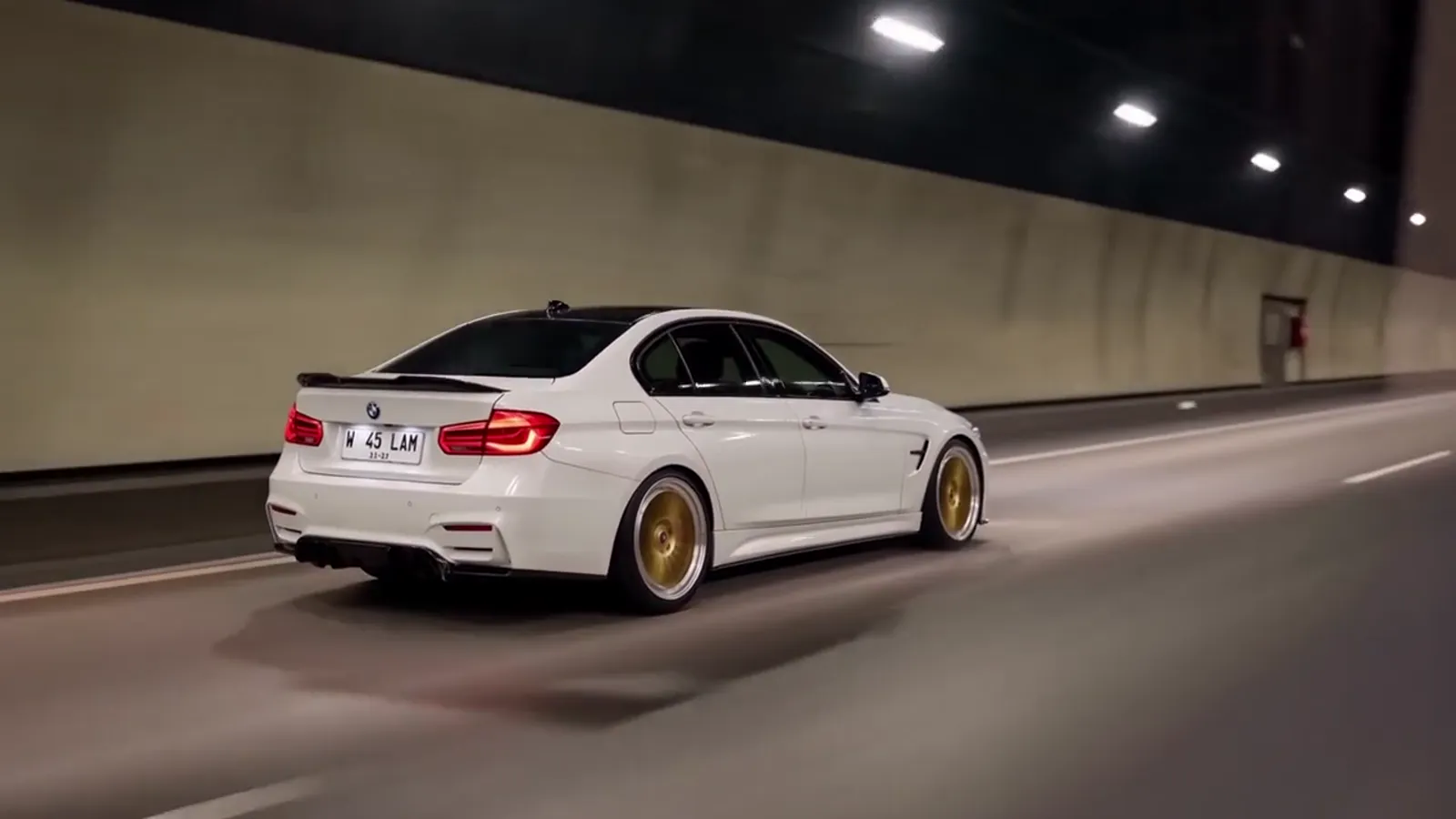
A sports car on a night highway