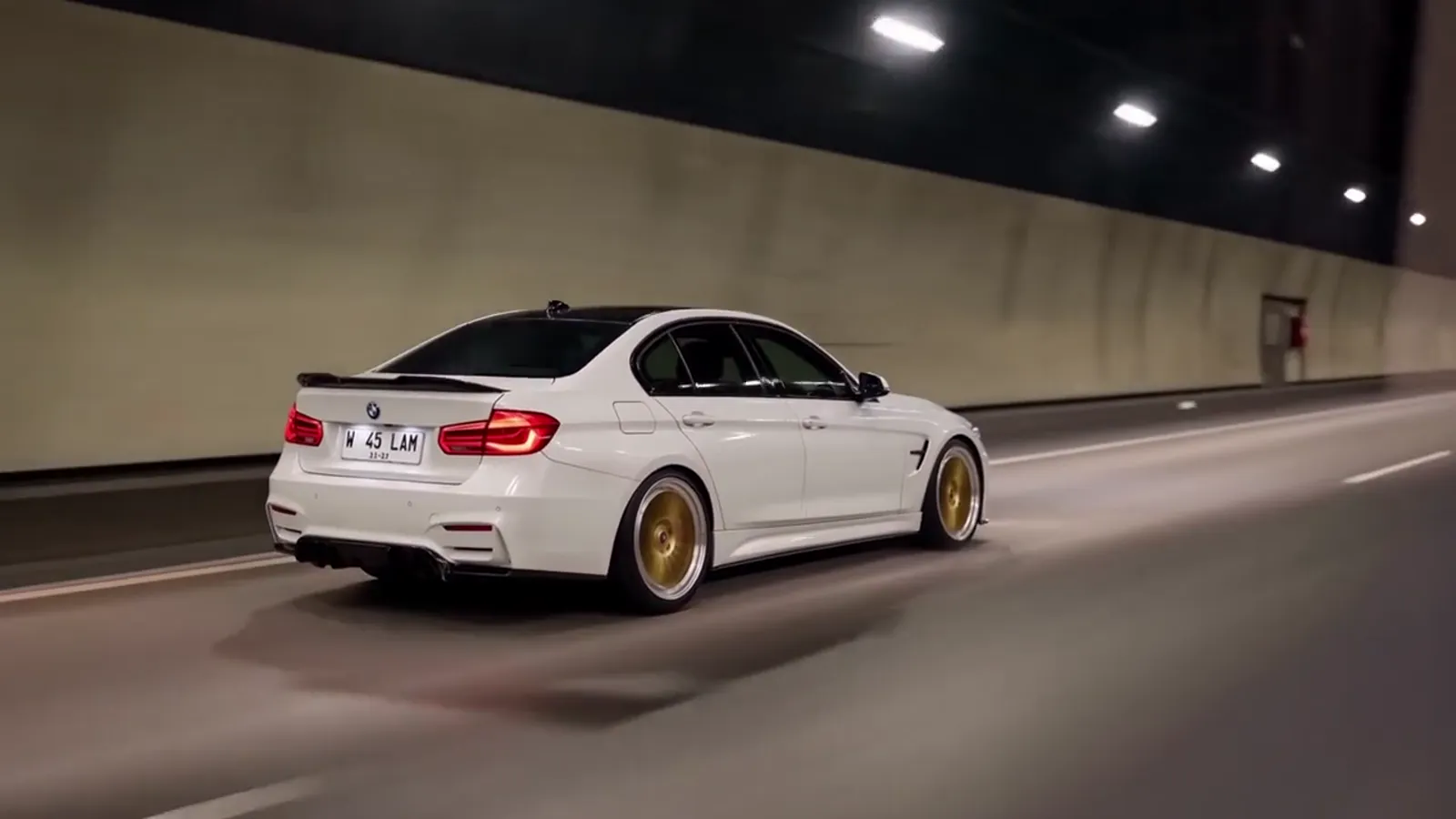
The train window toy car video
A train window toy car video is a 14-second AI clip that starts with a scale model of a car on a moving train's window ledge and ends with the real car on a night road. It is also found under the title "train window to real car". Toy Car to Real Car AI makes it from one photo of a car. Make yours.
What happens in the video
The camera sits low on the ledge, behind and to the side of the model. For about the first 2.5 seconds the landscape slides past outside the window. Then the train enters a tunnel, the carriage goes dark and the tail lights on the model glow red. At about 5 seconds the ledge lines up with the tunnel road and the model is the full-size car, driving. The clip then runs through the tunnel, out to a night highway with a headlight close-up, and ends on a low wheel pass as the car pulls away.
Why the window matters
The train window gives the video its structure. It explains the scale model (a model on a sill looks natural), it explains the darkness (a tunnel), and it gives the swap a moment to happen. In the video the window is also where the landscape shows up first, which is the part viewers remember after the car.
On this site the window is the part you can change. The 6 scenes differ in what is outside the glass and what the road looks like after the tunnel:
- Forest Line to Night Highway: The original: pine forest, a tunnel, a lit night highway
- Coastal Line: Blue sea outside the window, a tunnel, a night coast road
- Golden Hour to Parking Deck: Sunset hills, a tunnel, a floodlit parking deck walkaround
- Autumn Line to City Tunnel: Autumn trees, an overpass, a bright city tunnel
- Sunset Fields: Golden farmland, a tunnel, a dusk expressway
- City Light Trails: Hills at dusk, a tunnel, a night bridge with light trails
The original forest scene is the closest to the clip tutorials pass around, so it is a good first pick. You can see all six on the scenes page.
The name, and the two ways people search it
The same clip is searched as "toy car to real car" and as "train window car". The first describes the payoff, and the second describes the setup. They meet in the title that tutorials used, which pairs a toy car transition with a train window to real car edit. Search interest for both only started to show in October 2026, so the vocabulary is still settling.
Getting the best model on the ledge
The photo matters more than the scene, because the AI scales your car down into the toy. Send a sharp picture of the whole car, from the side or a three-quarter angle, in daylight, with no other cars in front. Your own car, a dealer photo or a die-cast model all work. A model on a ledge is seen from behind and the side, so the rear of the car is worth showing off.
What to expect from the render
You get an MP4 with the trend soundtrack and no watermark, in 9:16, 1:1 or 16:9. The render uses Seedance 2.0 / 2.5 by ByteDance. It will redraw badges and plates, so a plate shows no readable text and a badge may look like a real brand's. Wheel spokes can drift between frames, and unusual or modified cars drift more. If one render misses, a re-render or the Pro or Ultra tier is the usual fix.
This site is independent and not connected to any rail operator, car maker or toy brand. If you want the story behind the clip, read the trend explained; for the steps to make it, see how to make the video.