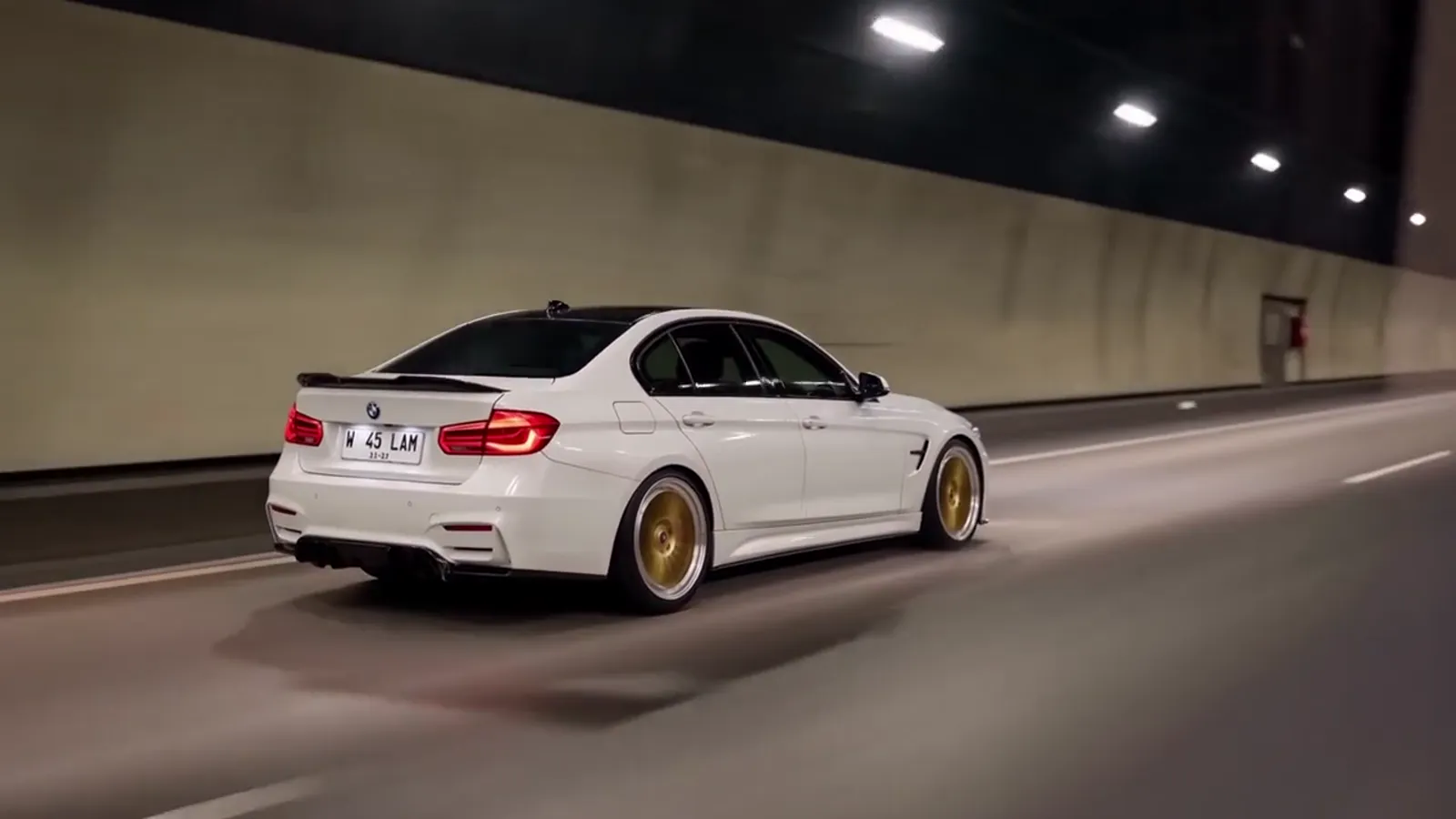
The toy car to real car ai prompt
The toy car to real car ai prompt has to do five things at once: keep the same car in the toy shot and the real shot, land the swap at about 5 seconds, cue it with the tail lights, stop the reference landscape from leaking in, and keep the car's scale believable. On Toy Car to Real Car AI it is already written and tested. Make the video from one car photo.
What the prompt has to solve
- One car, two scales. The scale model on the ledge and the full-size car in the tunnel must be the same car: same body shape, same paint, same wheels.
- The match-cut at about 5 seconds. The ledge has to line up with the tunnel road in one beat. A swap that comes a second early or late reads as a cut, not a transformation.
- The tail-light cue. The glow in the dark carriage tells the viewer something is about to happen. Without it the swap feels random.
- Keeping the reference out of the car. A motion reference carries a landscape and sometimes a car of its own. The prompt has to take the movement and leave the rest behind.
- Scale consistency. A "toy" must look small against the window and the real car must look large against the road, or the effect collapses into two unrelated shots.
Why copied prompts fail
Prompts in tutorials describe the scene in words, but the video model also needs inputs that text does not carry. The common failures are easy to spot:
- The toy never becomes real. The model keeps a toy-like car through the tunnel because the swap was not anchored to a moment.
- A different car comes out. Color, wheels or the roofline change after the cut, because nothing ties the two shots together.
- The reference leaks. Trees, a road or a second car from the guide appear in your video.
- The timing drifts. The transformation happens after 8 seconds, or the clip ends before the highway.
Fixing these by hand usually means several paid attempts. Even a finished render can redraw badges and plates, which is a limit of AI video that a better prompt does not remove.
What is built in here
Toy Car to Real Car AI fixes the motion template, the prompt for each of the 6 scenes and the render settings, so every video follows the same 14-second shot list. It runs on Seedance 2.0 / 2.5 by ByteDance, and you choose the tier. There is no text box: you add a photo of the car and pick a scene. For the beat list, see the trend explained.