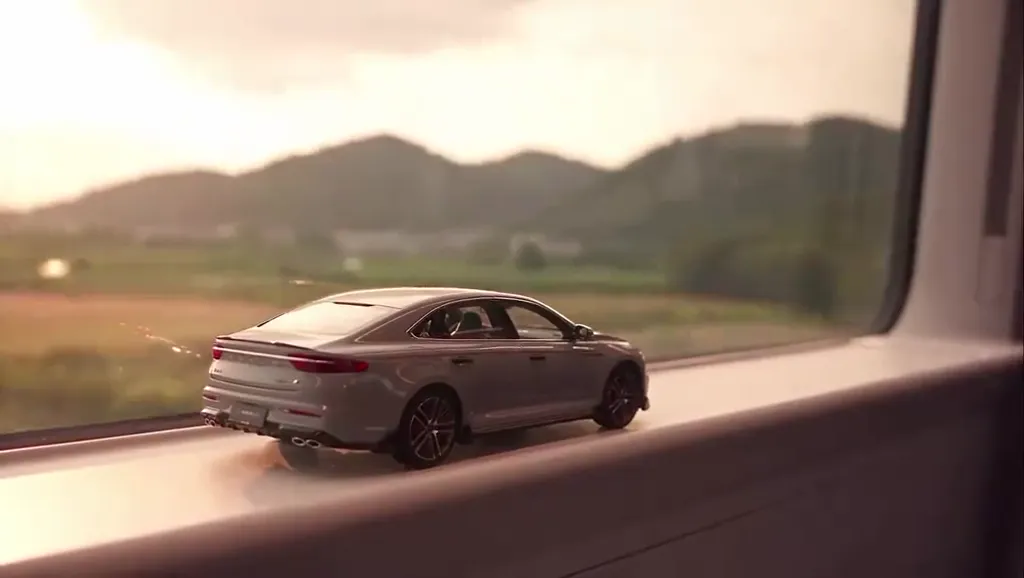
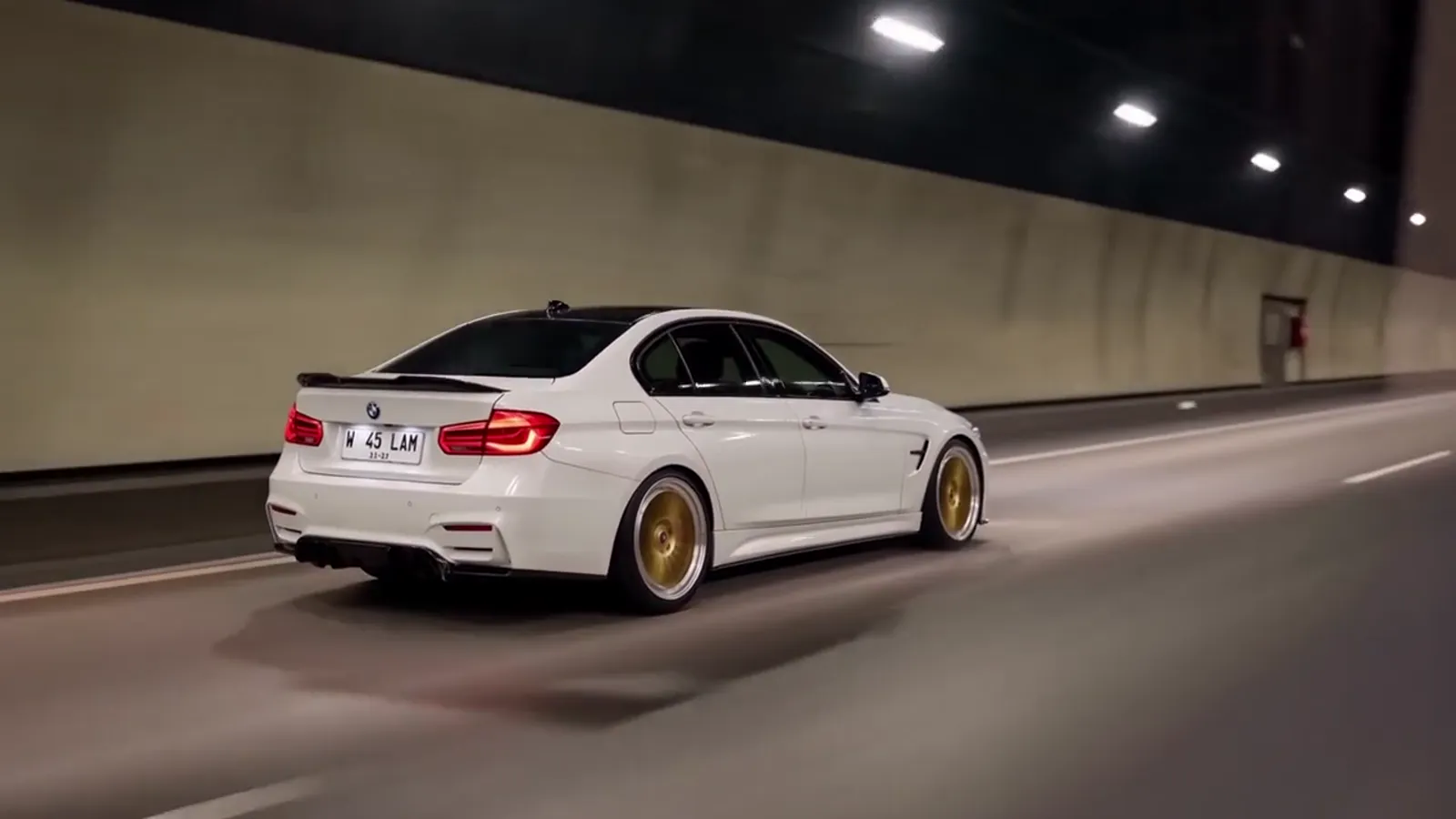
Hills at dusk, a tunnel, a night bridge with light trails. A train passing green hills at dusk, a long tunnel, then a city bridge at night with skyline lights and long red and white light trails from passing traffic.
Updated Oct 27, 2026 · By the Toy Car to Real Car AI team
Platform one
Make your toy car to real car ai video
Three choices and one tap. The shot list, the timing and the prompt are already built.
City Light Trails is the most cinematic ending: after the tunnel the real car crosses a city bridge at night, with the skyline behind it and long streaks of red and white light from traffic around it, finishing on the car pulling away into the trails. It plays best at 16:9 on YouTube or full screen.
Tips for the city light trails
Cars with distinctive headlights and LED tail lights look best in the light-trail finale.
Pick 16:9 if you post to YouTube; the bridge and skyline need the width.
Pro or Ultra keeps the light trails sharper than Standard.
What is already set for you
The subject: the car in your photo, kept exactly: body shape, paint colour, wheels and lights.
The scene: a train passing green hills at dusk, a long tunnel, then a city bridge at night with skyline lights and long red and white light trails from passing traffic.
The timing: Every scene shares one beat: the tail lights glow as the train enters the tunnel, and the model becomes the real car at the match-cut, at about 5 seconds.
Sunset Fields: golden farmland, a tunnel, a dusk expressway
Passenger questions
FAQ
What do I get with the City Light Trails scene?
With the City Light Trails scene, Toy Car to Real Car AI turns your photo (one per person on a two-person scene) into a toy car to real car ai video set in a train passing green hills at dusk, a long tunnel, then a city bridge at night with skyline lights and long red and white light trails from passing traffic. Upload it, select the scene and generate.
What does the city light trails look like?
On Toy Car to Real Car AI, the city light trails is the car in your photo, kept exactly: body shape, paint colour, wheels and lights. It is a generic design with no brand marks.
Which model should I pick for the light trails at night?
For City Light Trails, Pro (Seedance 2.0) or Ultra (Seedance 2.5) keeps the long light streaks and the skyline sharper than Standard, which can smear them at speed. Standard 720p still gets the transition right and costs the fewest credits, so it is fine for a first try.