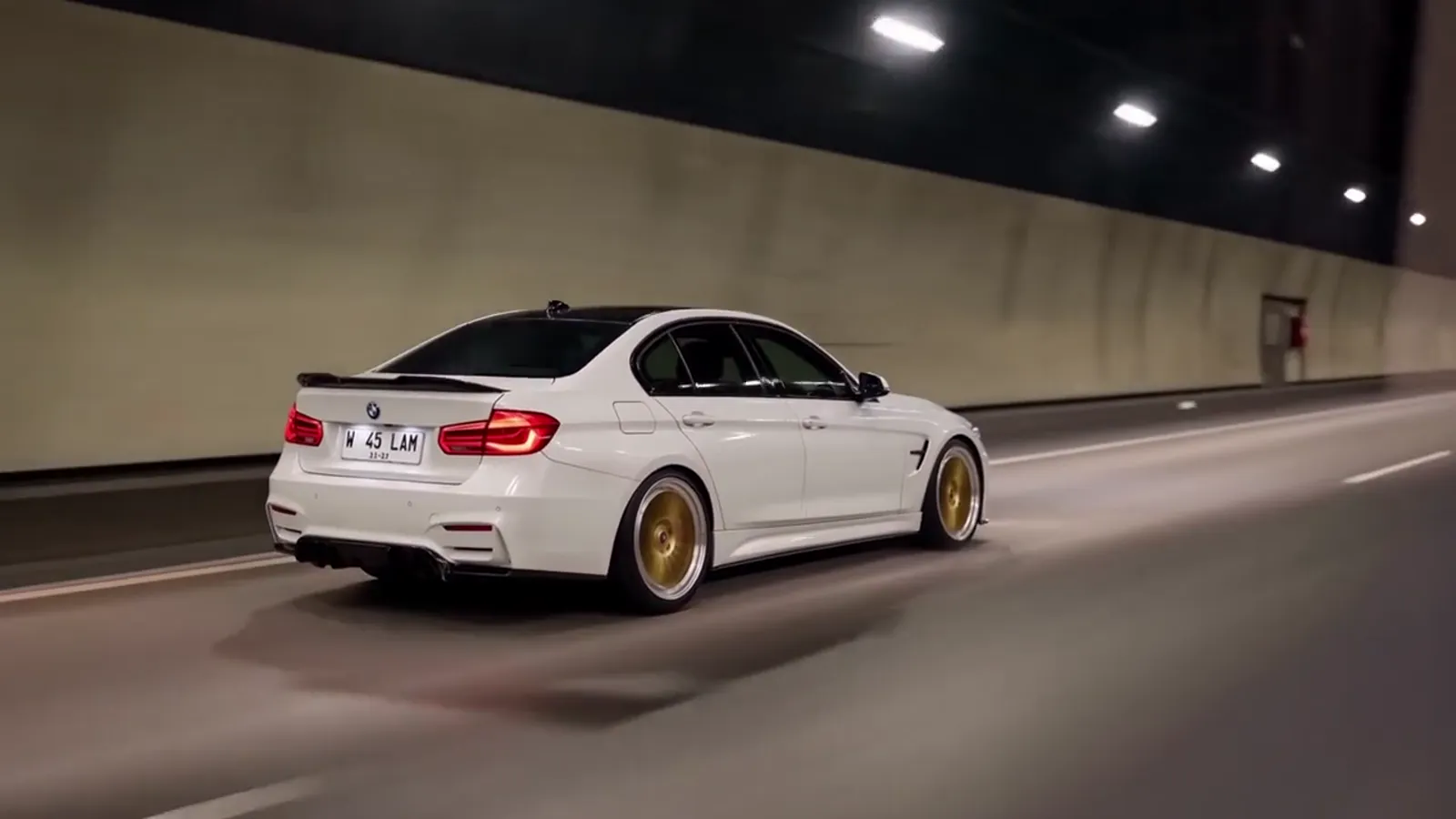
Copied toy car to real car prompts fail because the viral clip is not a single idea, it is six timed shots that all have to keep one car, one scale and one match-cut intact, and a pasted block of text cannot hold any of that. Toy Car to Real Car AI avoids the problem by attaching a tested description to each of its six scenes, so you upload one car photo and get the 14-second clip back without writing anything. This article explains what a prompt for this clip has to control, why pasted text loses control of it, and what you decide instead.
Key takeaways
- The clip is a shot list: a scale model on a train window ledge, a tunnel, a match-cut at about 5 seconds, a tunnel run, a night highway and a wheel pass. Each beat has a job.
- The hardest requirement is identity. The toy car and the full-size car must be the same car, with the same shape, colour, wheels and lights.
- Pasted prompts carry no reference photo, so the model invents a car. They also tend to leak the car and landscape of whatever clip the author copied from.
- On Toy Car to Real Car AI there is no prompt box. Your levers are the photo, the scene, the model tier, the resolution and a re-render. A Standard 720p video costs 10 credits, and a failed render returns its credits.
What does a toy car to real car prompt actually have to control?
A toy car to real car prompt has to control one car through six timed beats, and Toy Car to Real Car AI treats that as the whole job rather than as a bit of decoration around "a toy car turns into a real car". The reference clip runs about 14 seconds. The first 2.5 seconds show a scale model on a train window ledge while the landscape slides past. From 2.5 to 4.5 seconds the train enters a tunnel and the carriage goes dark. Around 4.5 to 5.5 seconds the ledge and the tunnel road line up into one shot and the model becomes the full-size car. After that come a tunnel run, a night highway with a headlight close-up, and a low wheel pass as the car pulls away.
Every one of those beats names a camera position, a light level and a thing the car is doing. A prompt that says "a toy car on a train window becomes a real car in a tunnel" covers about one second of that. The remaining thirteen seconds are left to the video model, which will fill them with whatever it finds most likely, and "most likely" is not the clip people recognise.
You can see the scene-by-scene version of this on the scenes page, where each of the six scenes keeps the same three acts and changes only the view outside the window and the road the car ends on.
Why is one car identity across toy and full-size shots so hard?
Keeping one car identity across the toy shot and the full-size shot is hard because Toy Car to Real Car AI is asking a video model to show the same object at two scales, in two lighting conditions, from two camera angles, and to keep paint, wheel design and lamp shape consistent between them. Text alone cannot do this. The words "a blue hatchback" describe thousands of cars. The model picks one for the ledge shot, and when the cut to the tunnel road arrives it is free to pick another.
This is why the clip looks fine in a pasted-prompt render for the first three seconds and then goes wrong at the swap. The model has committed to a car that fits the ledge, then reaches the road, and the road wants a car that fits the road. Wheels change spoke count. A hatchback grows a boot. The paint shifts a shade, or a lot.
A reference photo changes the problem. Toy Car to Real Car AI starts from the car in your upload, so both the model on the ledge and the car on the road are drawn from the same source. The result is not perfect, and the fails and fixes guide covers what still goes wrong, but the starting point is one car instead of a guess.
How does a prompt keep the scale model looking like a toy?
A prompt keeps the scale model looking like a toy by controlling size cues in the frame, and Toy Car to Real Car AI builds those cues into the ledge scene: a small car, a window frame much larger than the car, scenery moving fast behind it, and a shallow depth of field that makes the model feel close to the lens. Without those cues the model simply draws a normal car on a ledge, and the viewer reads it as a normal car, so the later reveal has nothing to reveal.
Pasted prompts usually describe the toy in one phrase, such as "a miniature car". Video models treat that as a style hint, not as a camera setup. The ledge, the glass reflections and the speed of the scenery each need to be stated for the toy to feel real. That is also why a toy car to real car render can look like a normal car commercial at the start, which kills the joke.
Why does the tunnel match-cut at about 5 seconds break so often?
The tunnel match-cut at about 5 seconds breaks so often because Toy Car to Real Car AI needs the video model to treat a dark window and a lit tunnel road as one continuous frame, and models naturally want to cut or fade instead. In the reference clip the ledge and the road line up so that the model car and the full-size car occupy the same part of the picture. That alignment is the entire trick. If the swap happens at 3 seconds the viewer never feels the toy. If it happens at 8 seconds the clip has already spent its best energy on a car that is still small.
The beat table for the clip puts the train entering the tunnel between 2.5 and 4.5 seconds, the swap from 4.5 to 5.5 seconds, and the full-size tunnel run from 5.5 to 9 seconds. A prompt has to pin those ranges, because a video model has no built-in sense that "the transition happens at the halfway point of the dark". Left alone it either rushes the swap into the first dark frame or lets the toy linger on the ledge while the tunnel passes.
A second problem sits inside the cut. The camera has to hold roughly the same angle across it, from behind and to the side. If the camera drifts during the dark section, the match is lost and the viewer sees a jump instead of a transformation.
What is the tail-light cue and why does it matter?
The tail-light cue is the moment the scale model's tail lights glow red in the window reflection as the carriage goes dark, and Toy Car to Real Car AI keeps it at roughly the four-second mark because it tells the viewer the transformation is about to happen. It is a small beat, but it does two jobs. For the viewer, it is a warning, like a drum roll. For the video model, it is a bridge between a toy that is sitting still and a car that is about to drive.
Without the cue, the swap feels like an edit. With it, the swap feels like cause and effect: the car wakes up, the tunnel opens, and the car drives. Several of the six scenes lean on this beat. The Autumn Line to City Tunnel scene is written around it, with the tail lights switching on as the train enters the tunnel.
Why does the reference clip's car and landscape leak into your render?
The reference clip's car and landscape leak into your render because a copied prompt was written while looking at one specific clip, so it names that clip's car colour, road and scenery, and Toy Car to Real Car AI deliberately keeps those details out of the shared description. Typical leaks are easy to spot. You asked for your own car and the render shows a different silhouette. You wanted open fields and a pine forest appears. The road is a concrete tunnel when you wanted a coastal expressway.
Creators who pass prompts around rarely clean these details out, because to them the details look like part of the effect. They are not. The effect is the three acts: a model on a ledge, a tunnel, a full-size car. The forest, the sea, the sunset fields and the city bridge are choices of scenery, and the six scenes on this site show how much that scenery can vary while the effect stays the same.
When you paste text, you take on every one of those hidden choices. When you pick a scene on Toy Car to Real Car AI, you choose the scenery on purpose, and the car comes from your photo. That separation is why the same photo can be rendered six ways without any of them looking like someone else's clip.
What happens to plates and badges in an AI car video?
In an AI car video the video model redraws plates and badges rather than copying them, and Toy Car to Real Car AI is open about this: the plate does not show readable text, and a badge can come out looking like a real manufacturer's mark even if your car does not carry it. Video models are poor at small, exact lettering, and they are good at making things look plausible. That combination produces plates with soft, shapeless characters and badges that resemble something familiar.
Two practical consequences follow. First, do not use the clip to show a plate as proof of anything, because the plate is not a record. Second, do not read a badge in the render as the car's real identity. Toy Car to Real Car AI is an independent tool and is not affiliated with any car maker, toy brand, rail operator or AI app, and a stray badge in an output is an artifact of the model.
A pasted prompt cannot prevent this either. Adding "the plate says" followed by text does not make the model draw that text steadily across 14 seconds of motion. If you need the exact plate or badge visible and correct, an AI render is the wrong tool for that part of the job, and a photo or a conventional edit is the right one.
What can you control without a prompt box?
Without a prompt box, Toy Car to Real Car AI gives you five real controls: the photo, the scene, the model tier, the resolution and a re-render. The prompt for each scene is already written and tested for the 14-second shot list, so your choices go into the things that decide how the result looks.
The photo matters most. Use one clear photo of the whole car, ideally a side or three-quarter view in even light, since the ledge shot shows the car from the side and rear. The scene sets the window view and where the car ends up, from a pine forest and night highway to a coastal road, a parking deck, a city tunnel, golden fields or a bridge with light trails. The tier changes the underlying ByteDance model: Standard uses Seedance 2.0 Mini, Fast uses Seedance 2.0 Fast, Pro uses Seedance 2.0 and Ultra uses Seedance 2.5.
Resolution and re-render finish the list. Credits per video range from 5 for Standard at 480p up to 93 for Ultra at 1080p, and 1080p is available only on Pro and Ultra. A Standard 720p video costs 10 credits, which the Single pack of 10 credits at $6.99 covers once. There is no free tier, a failed render returns its credits, and packs are not refundable. The pricing page lists every tier.
What should you do on your first render?
On your first render, use a sharp full-car photo, pick the scene that matches the mood you want, stay on Standard 720p and judge the clip before changing anything. Toy Car to Real Car AI is built so that this first try is the cheapest one: Standard 720p is 10 credits, and if the render fails or is blocked the credits come back automatically.
Watch the clip once for the whole shape, then again for the three things that decide whether it works: does the toy read as small, does the swap happen near 5 seconds, and is the car at the end the car you uploaded. If the answer to the last question is no, a better photo or a re-render usually fixes it. If the flaw is in small details such as wheels or lights, a higher tier is the next step. The fails and fixes guide goes through each common problem and the fix for it. The prompt page explains what the descriptions control, the how-to page covers the one-photo path, and the generator is at /#create.
Frequently asked questions
Why do copied toy car to real car prompts fail?
Toy Car to Real Car AI starts from a photo, while a copied prompt is text only. Text has no reference car, so the toy and the real car drift apart, the swap lands late, and details from the original clip leak in. Six timed beats need more control than one paragraph.
Can I write my own prompt on Toy Car to Real Car AI?
No. Toy Car to Real Car AI has no prompt box. Each of the six scenes carries a tested description of the 14-second shot list, and you control the result through your photo, the scene, the model tier, the resolution and a re-render.
Will the plate and badge on my car appear correctly?
Not reliably. Toy Car to Real Car AI redraws plates and badges, so plate text is not readable and a badge may resemble a real manufacturer's mark even if your car does not carry it. Do not use the clip as proof of a plate or a badge.
What does the tail-light cue do in the video?
The tail lights on the scale model glow red as the train enters the tunnel, a beat before the car becomes full size. Toy Car to Real Car AI keeps this cue near the four-second mark because it signals the swap and makes the transformation feel caused, not edited.
How much does one toy car to real car video cost?
On Toy Car to Real Car AI, a Standard 720p video costs 10 credits, and the Single pack is $6.99 for 10 credits. There is no free tier and packs are not refundable. A failed render returns its credits, and costs run from 5 to 93 credits by tier and resolution.